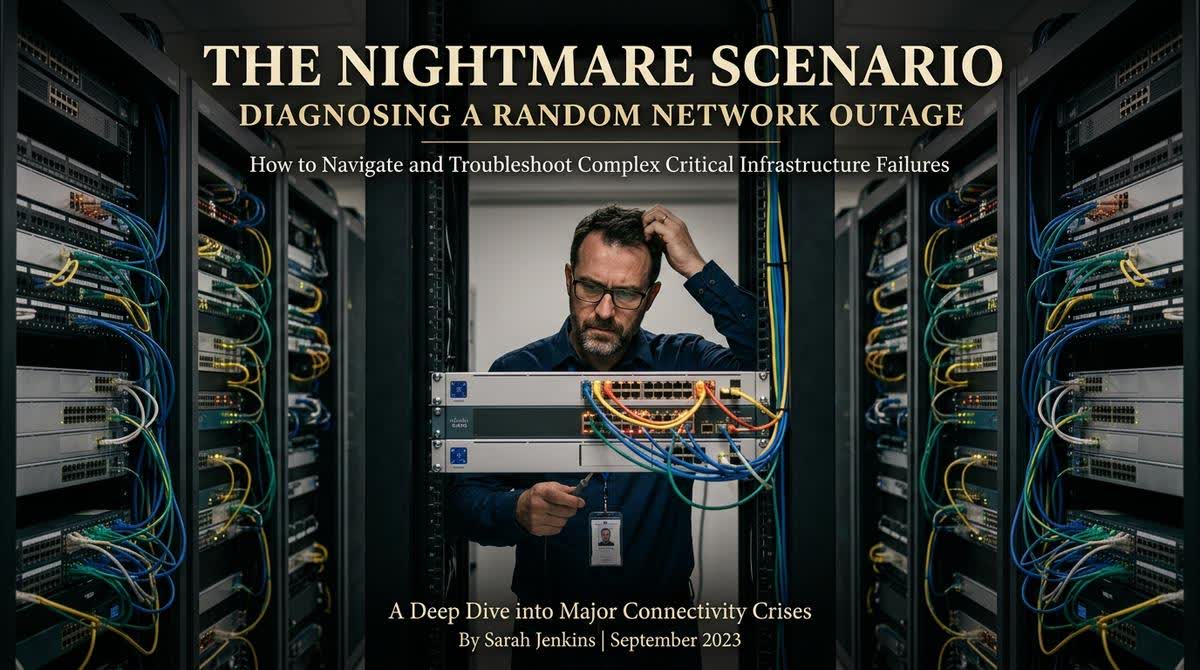
Every IT and ELV professional has been there. The phone rings, and the voice on the other end is panicked: "The network is down. Nothing is working. No one can access anything." You arrive on site, and the diagnostics begin. The switches are powered on. The link lights are blinking. The cables are plugged in. From the outside, everything looks normal. But nothing is passing traffic. This is the network engineer's nightmare, a high-pressure scenario where the wrong move can cause even more downtime.
The initial panic often leads to a chaotic, shotgun approach to troubleshooting. Cables are pulled and re-pulled. Switches are rebooted, sometimes repeatedly. Configurations are checked and then checked again. This is the "cargo cult" method of problem-solving, and it rarely works. What is needed instead is a calm, methodical, and structured approach that attacks the problem from multiple layers at once, moving from the physical to the logical.
Phase One: The Physical Reality Check
Networks are only as good as their physical layer. Many complex problems are rooted in simple, physical failures that are often overlooked in the heat of the moment.
Cable Testing:Â When faced with a connectivity issue, the first assumption should always be a physical cable fault. Do not trust the link light. A cable can pass the physical connection test but be so degraded that it cannot pass data at high speeds. The only way to be sure is to use a certified cable tester (like the Fluke DSX series) to perform a full qualification test. This will reveal if the cable is failing due to excessive attenuation, near-end crosstalk (NEXT), or a high return loss. In many cases, the problem is simply a cable that was kinked or stretched during installation and has finally failed.
Power Over Ethernet (PoE) is the First Point of Failure:Â This is a critical and often overlooked detail. Many devices, including VoIP phones and wireless access points, rely on PoE for power. If a switch cannot provide sufficient PoE power, or if a power injector has failed, devices will attempt to power on, boot up partially, and then fail in a constant cycle. This intermittent failure can look like a network problem when it is actually a power delivery problem. The diagnostic steps are simple: check the total PoE budget on the switch to ensure it is not overloaded, and test the device with a dedicated power adapter to confirm it is not the device itself that is faulty.
Duplex Mismatch: A Legacy Problem That Refuses to Die:Â This is a classic, "old-school" issue that still haunts modern networks. When a device is set to a different duplex setting (half-duplex or full-duplex) than the switch port it is connected to, you will experience a massive number of collisions and retransmissions. The network appears slow or unresponsive, even though the physical link is up. The solution is simple: never use auto-negotiation for critical infrastructure. Manually set the speed and duplex on both the switch port and the endpoint device to the same values. This simple step can eliminate a whole class of frustrating problems.
Loop Problems: The Silent Network Killer:Â When a network has a redundant path created by a misconfigured switch or a user plugging a cable into the wrong port, a "switching loop" can form. This can cause a broadcast storm that floods the entire network with traffic and brings it to a crawl. Check the Spanning Tree Protocol (STP) logs on your switches. They will often show a topology change or a blocked port, indicating a loop. The solution is to identify the redundant path and correct it.
Phase Two: The Logical Audit
Once the physical layer has been verified, it is time to move up the OSI model to the logical and network layers.
The Resource Struggle: IP Address Conflicts and DHCP Starvation:Â This is one of the most common "invisible" problems. An IP address conflict occurs when two devices on the network are assigned the same IP address. This can happen if a device has a static IP set incorrectly, or if the DHCP server is issuing duplicate addresses. The result is that both devices become intermittently or permanently unreachable. The solution is to audit your static IP allocations and check the DHCP server lease logs for conflicts. Another form of this is "DHCP starvation," where the pool of available IP addresses is exhausted. If you have added many new devices (especially IoT sensors) without expanding the subnet, the network will simply run out of addresses, and new devices will fail to connect.
The CPU and Memory Deficit:Â Network switches are computers too. They have processors and memory. If a switch is overloaded with traffic, or if it is processing too many management functions, its CPU utilization can spike to 99%, causing it to drop packets and fail to process new connections. The fix is to examine the switch's performance logs. A high CPU utilization almost always points to a specific process, such as excessive SNMP polling, a Spanning Tree recalculation, or a DoS (Denial of Service) attack.
The Configuration Drift:Â Networks evolve over time. VLANs are added, routes are changed, and ACLs (Access Control Lists) are updated. Often, these changes are not documented. Over time, the switch configuration can become a spaghetti-like mess of conflicting rules. When a new device is added, it might be placed on a VLAN that has no default gateway, or its traffic might be blocked by a forgotten ACL. The solution is to have a complete, understandable, and up-to-date configuration baseline. The only way to achieve this is through rigorous, disciplined network management practices.
Phase Three: The Final Diagnostic Tool: The Packet Capture
When all else fails, and you have a complex, intermittent problem, the most powerful diagnostic tool in your arsenal is a packet capture. Using a tool like Wireshark, you can analyze the traffic on the network to see exactly what is happening. This is not a tool for a novice. It requires a deep understanding of network protocols.
You are looking for specific patterns: excessive retransmissions (indicating packet loss), TCP window scaling issues, unusual ICMP messages, or a flood of ARP requests. A packet capture will reveal the truth about what is happening on your network, cutting through all the guesswork and assumptions.
The Final Lesson: The Value of a Structured Mindset
Network troubleshooting is not a matter of luck or guesswork. It is a discipline that requires a structured, methodical approach. By systematically eliminating variables, moving from the physical layer to the logical layer, and using the right diagnostic tools, you can solve even the most baffling problems. At AllandMuchMore, our engineers are trained to apply this structured mindset, ensuring that when a network crisis occurs, we are the team that can restore order and reliability.