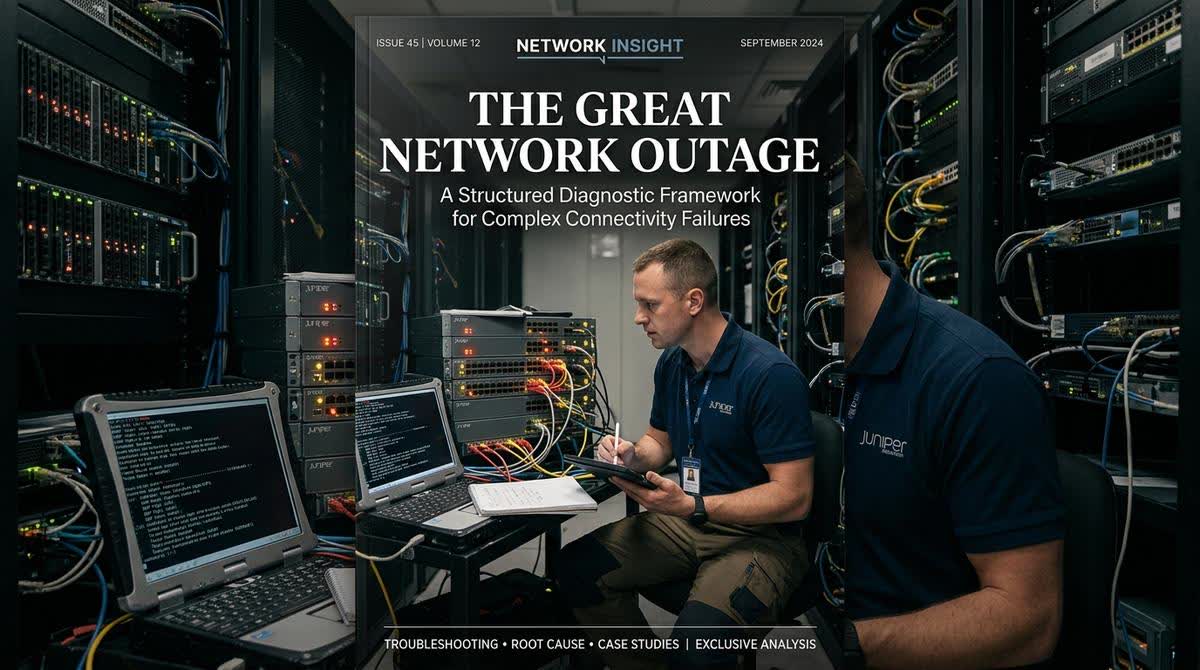
Every IT and ELV professional has experienced that heart-sinking moment. The phone rings, and the voice on the other end is panicked: "The network is down. Nothing is working." You arrive on site, and the physical indicators are often deceptive. The switches are powered on. The link lights are blinking. The cables are plugged in. To an untrained eye, everything looks normal. But nothing is passing traffic. This is the network engineer's nightmare, a high-pressure scenario where the wrong move can cause even more downtime and financial loss.
In this situation, a chaotic, "shotgun" approach to troubleshooting is the enemy of resolution. Cables are pulled and re-pulled. Switches are rebooted repeatedly. Configurations are checked frantically without a plan. This approach rarely works and often exacerbates the problem. What is needed instead is a calm, methodical, and structured framework that attacks the problem from multiple layers simultaneously, moving from the physical to the logical, and from the simple to the complex. This article provides that framework.
Framework Overview: The Network Diagnostic Pyramid
Think of this diagnostic process as a pyramid. The base is the physical layer, which is the most common source of problems. You must build a solid foundation here before moving up to the more abstract logical layers.
Layer Focus Key Questions
1. Physical Layer Cables, connectors, power, hardware Is the cable good? Is it receiving power? Is the port up?
2. Data Link Layer MAC addresses, switching, VLANs Is the switch functioning correctly? Is the device on the right VLAN?
3. Network Layer IP addresses, routing, subnet masks Does the device have a valid IP address? Can it reach its default gateway?
4. Application Layer Firewalls, servers, services Can the device resolve DNS? Is the firewall blocking the traffic?
Layer 1: The Physical Reality Check
Never, ever skip this layer. A significant percentage of complex network problems are rooted in simple physical failures that are often overlooked in the heat of the moment.
Check Action Tool
Cable Certification Do not trust the link light. A cable can pass a basic connectivity test but be so degraded it cannot pass data at high speeds. Cable Certifier (e.g., Fluke DSX Series)
Power Over Ethernet (PoE) This is a critical and often missed point. If a PoE switch is overloaded or a power injector has failed, devices will power on, boot partially, and then fail cyclically. Check total PoE budget on the switch. Check switch logs for power allocation events.
Duplex Mismatch This is a classic, legacy issue that still haunts modern networks. A mismatch between a device and its switch port causes massive collisions and slow performance. Manually set speed and duplex on both the switch port and the endpoint (e.g., 1000/Full). Never rely on auto-negotiation for critical infrastructure.
Switching Loop A redundant path created by a misconfigured switch or a user plugging a cable into the wrong port can cause a broadcast storm. Check Spanning Tree Protocol (STP) logs for topology changes or blocked ports.
نصيØØ© الخبير: إذا كنت تشك ÙÙŠ وجود Øلقة (Loop)ØŒ أسرع طريقة لتأكيد ذلك هي النظر إلى مؤشرات LED على المÙتاØ. إذا كانت جميع الأضواء تومض بشكل سريع ومتزامن، Ùهذا غالباً دليل على عاصÙØ© بث (Broadcast Storm) ناتجة عن Øلقة. ÙÙŠ هذه الØالة، ابدأ بÙصل الكابلات واØدة تلو الأخرى Øتى تتوق٠العاصÙØ©ØŒ ثم استخدم STP logs لتØديد مصدر المشكلة بشكل دقيق.
Layer 2: The Logical Audit
Once the physical layer has been verified, it is time to investigate the network and data link layer problems.
Problem: IP Address Conflicts and DHCP Starvation
This is one of the most common "invisible" causes of network failure. An IP address conflict occurs when two devices on the same network are assigned the same IP address. This can happen due to a device being configured with a static IP that falls within the DHCP pool, or a faulty DHCP server issuing duplicate leases. The result is that one or both devices become unreachable, causing intermittent and frustrating issues.
Symptom Diagnostic Step Solution
A specific device cannot connect, but others can. Check the device for a "Duplicate IP" error. Reboot the device. If the problem persists, manually change its IP address.
New devices are not getting IP addresses. Check the DHCP server logs for lease exhaustion. Expand the DHCP scope (subnet) or reduce the lease time to free up addresses faster.
Devices are "kicking" each other off the network. Use a tool like arp -a on a PC to see if multiple MAC addresses are mapping to the same IP. Identify the rogue device and correct its IP configuration.
Problem: Switch CPU and Memory Exhaustion
Network switches are computers too. They have processors and memory. If a switch is overloaded with traffic, or if it is processing an excessive number of management functions (like SNMP polls or STP recalculations), its CPU utilization can spike to 99%. This can cause it to drop packets and fail to process new connections.
Symptom Diagnostic Step Solution
The switch is slow to respond to pings or SSH commands. Log into the switch and check the show processes cpu (Cisco) or equivalent command. Identify the offending process (e.g., excessive SNMP polling) and reduce its frequency.
Devices connected to the switch are experiencing high latency or packet loss. Use the switch's logging features to identify the source of the load. Consider upgrading the switch hardware or redesigning the network to distribute the load.
Problem: The Configuration Drift
Networks evolve over time. VLANs are added, routes are changed, and access control lists (ACLs) are updated. Often, these changes are not documented. Over time, the switch configuration can become a spaghetti-like mess of conflicting rules. This is known as "configuration drift" or "config rot." When a new device is added, it might be placed on a VLAN that has no default gateway, or its traffic might be blocked by a forgotten ACL.
Symptom Diagnostic Step Solution
A newly connected device cannot access network resources. Compare the current configuration to a known good baseline. Have a complete, understandable, and up-to-date configuration baseline. Document all changes.
Network performance is inconsistent. Audit the configuration of switches and routers. Regularly review and clean up configurations to remove legacy entries.
نصيØØ© الخبير: "التخمير" ليس مجرد مشكلة تقنية؛ بل هو مشكلة إدارية. Ù„Øلها، يجب وضع سياسة صارمة لتوثيق كل تغيير يتم إجراؤه على الشبكة. يجب أن يكون هناك سجل ÙˆØ§Ø¶Ø Ù„Ù…Ù† قام بالتغيير، ومتى، ولماذا. هذا السجل هو خريطة الطريق للرجوع إلى وضع مستقر ÙÙŠ Øالة Øدوث أي مشكلة.
Layer 3 & 4: The Application and Security Investigation
If you have confirmed that the physical and network layers are functioning correctly, the problem may be higher up the stack.
The Firewall Rule: A misconfigured firewall rule can block specific types of traffic (like HTTP or DNS) while allowing others. The diagnostic step here is to check the firewall logs for dropped packets. The solution is to modify or add a rule to allow the required traffic.
The DNS Resolution: Network problems are often actually DNS problems. Check if devices can ping external IP addresses (like 8.8.8.8) but not domain names (like google.com). If so, the DNS server is the issue.
The Final Diagnostic Tool: The Packet Capture
When all else fails, and you have a complex, intermittent problem, the most powerful diagnostic tool is a packet capture. Using a tool like Wireshark, you can analyze the traffic on the network to see exactly what is happening. This is not a tool for a novice. It requires a deep understanding of network protocols.
What to Look For: Excessive retransmissions (indicating packet loss), TCP window scaling issues, unusual ICMP messages, or a flood of ARP requests.
Why It Works: A packet capture reveals the truth about what is happening on your network, cutting through all the guesswork and assumptions.
The Final Lesson: The Value of a Structured Mindset
Network troubleshooting is not a matter of luck. It is a discipline that requires a structured, methodical approach. By systematically working through the layers of the OSI model, moving from the physical to the logical, and using the right diagnostic tools, you can solve even the most baffling connectivity problems. At AllandMuchMore, our engineers are trained to apply this structured mindset, ensuring that when a network crisis occurs, we are the team that can restore order and reliability with confidence.